
Tailscale
Tinyauth meets all of the criteria to be used as an OpenID Connect provider for Tailscale. This includes support for all of the required OpenID Connect scopes, claims and endpoints. Tinyauth also includes support for WebFinger which is required for Tailscale to discover the OpenID Connect provider.
Requirements
Section titled “Requirements”- A Tailscale account
- A Tinyauth instance
- A domain name
Tinyauth Configuration
Section titled “Tinyauth Configuration”To begin with, we need to generate a client ID and secret in Tinyauth for Tailscale. This can be done by running the following command:
docker run -i -t --rm ghcr.io/tinyauthapp/tinyauth:v5 oidc create tailscale./tinyauth oidc create tailscaleFrom the output, make sure to note down the client ID and secret as we will need them later for the Tinyauth configuration.
Now, we can pass our configuration to Tinyauth using environment variables:
TINYAUTH_OIDC_PRIVATEKEYPATH=/path/to/private/key.pemTINYAUTH_OIDC_PUBLICKEYPATH=/path/to/public/key.pemTINYAUTH_OIDC_CLIENTS_TAILSCALE_CLIENTID=client-idTINYAUTH_OIDC_CLIENTS_TAILSCALE_CLIENTSECRET=ta-client-secretTINYAUTH_OIDC_CLIENTS_TAILSCALE_TRUSTEDREDIRECTURIS=https://login.tailscale.com/a/oauth_responseTINYAUTH_OIDC_CLIENTS_TAILSCALE_NAME=TailscaleSign-up in Tailscale
Section titled “Sign-up in Tailscale”-
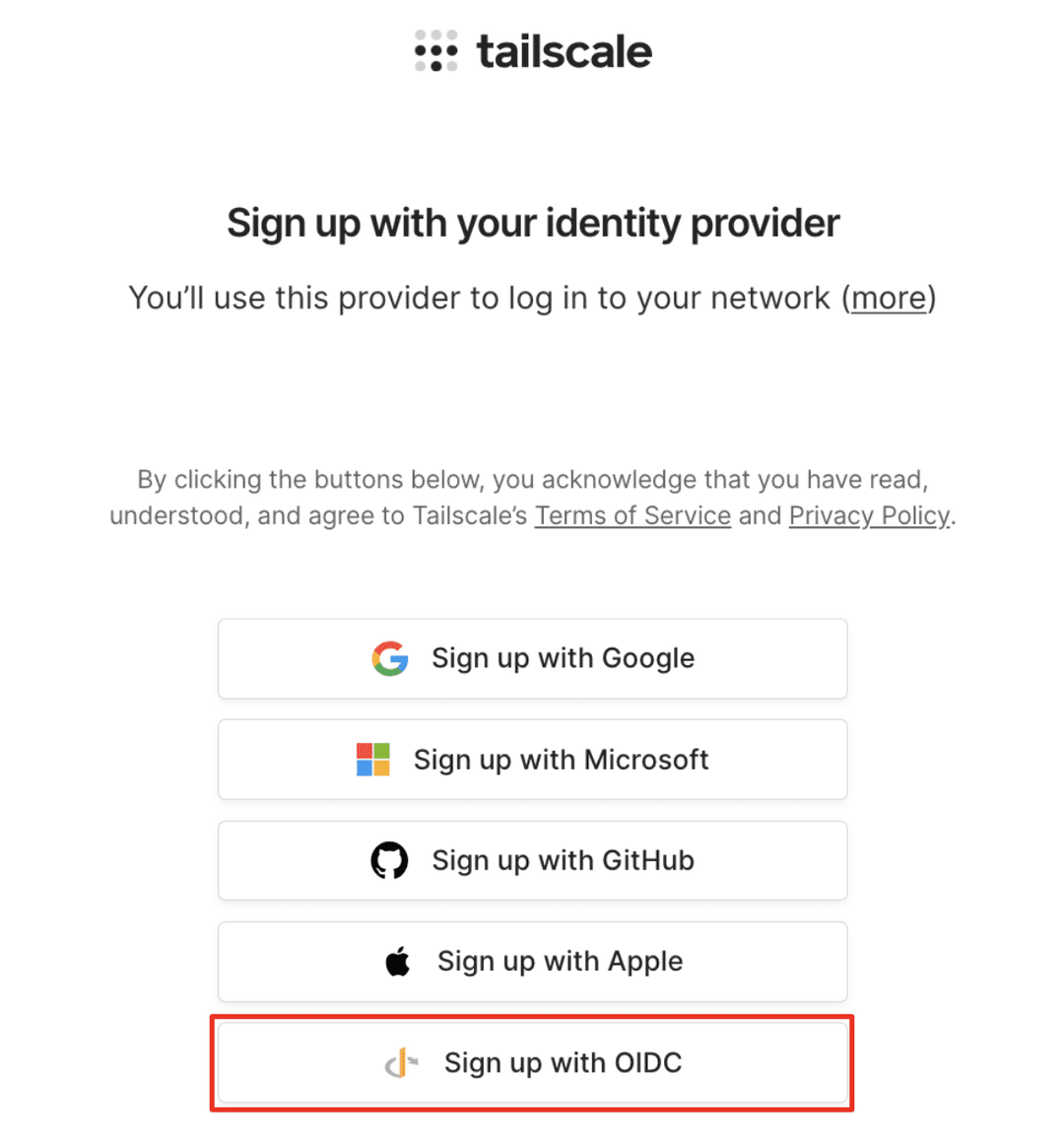
Go to the Sign up with OIDC page of the admin console or when signing-up for a new account, select the Sign up with OIDC option.
-
In the Email address field, enter the administrator’s full email address. The domain in the email address must match the domain where the WebFinger endpoint is served, and the domain you will use for Tailscale.
-
Select Get OIDC Issuer. If Tailscale is able to retrieve the issuer from Tinyauth, it will be displayed in the Issuer field.
-
In the Client ID field, enter the client ID we generated previously.
-
Likewise, in the Client Secret, enter the Client Secret.
-
If you like, you can skip the consent screen of Tinyauth by selecting the
noneprompt. -
Select Sign up with OIDC. You will be redirected to Tinyauth for authentication.
-
Log in to your provider using the email you entered in step 2. Upon authentication, you will be redirected to the Tailscale admin console.
The user that configures OIDC for Tailscale becomes the first user in the tailnet and Owner of the tailnet.