
Beszel
Beszel is a lightweight server monitoring platform that includes Docker statistics, historical data, and alert functions. It uses PocketBase under the hood making it easy to add Tinyauth as an OpenID connect provider.
Requirements
Section titled “Requirements”- A running instance of Beszel
- A Tinyauth instance
Tinyauth Configuration
Section titled “Tinyauth Configuration”To begin with, we need to generate a client ID and secret in Tinyauth for Beszel. This can be done by running the following command:
docker run -i -t --rm ghcr.io/tinyauthapp/tinyauth:v5 oidc create beszel./tinyauth oidc create beszelFrom the output, make sure to note down the client ID and secret as we will need them later for the Beszel configuration.
Now, we can pass our configuration to Tinyauth using environment variables:
TINYAUTH_OIDC_PRIVATEKEYPATH=/path/to/private/key.pemTINYAUTH_OIDC_PUBLICKEYPATH=/path/to/public/key.pemTINYAUTH_OIDC_CLIENTS_BESZEL_CLIENTID=client-idTINYAUTH_OIDC_CLIENTS_BESZEL_CLIENTSECRET=ta-client-secretTINYAUTH_OIDC_CLIENTS_BESZEL_TRUSTEDREDIRECTURIS=https://your-beszel-instance.com/api/oauth2-redirectTINYAUTH_OIDC_CLIENTS_BESZEL_NAME=BeszelRestart your Tinyauth instance to apply the new configuration.
Beszel Configuration
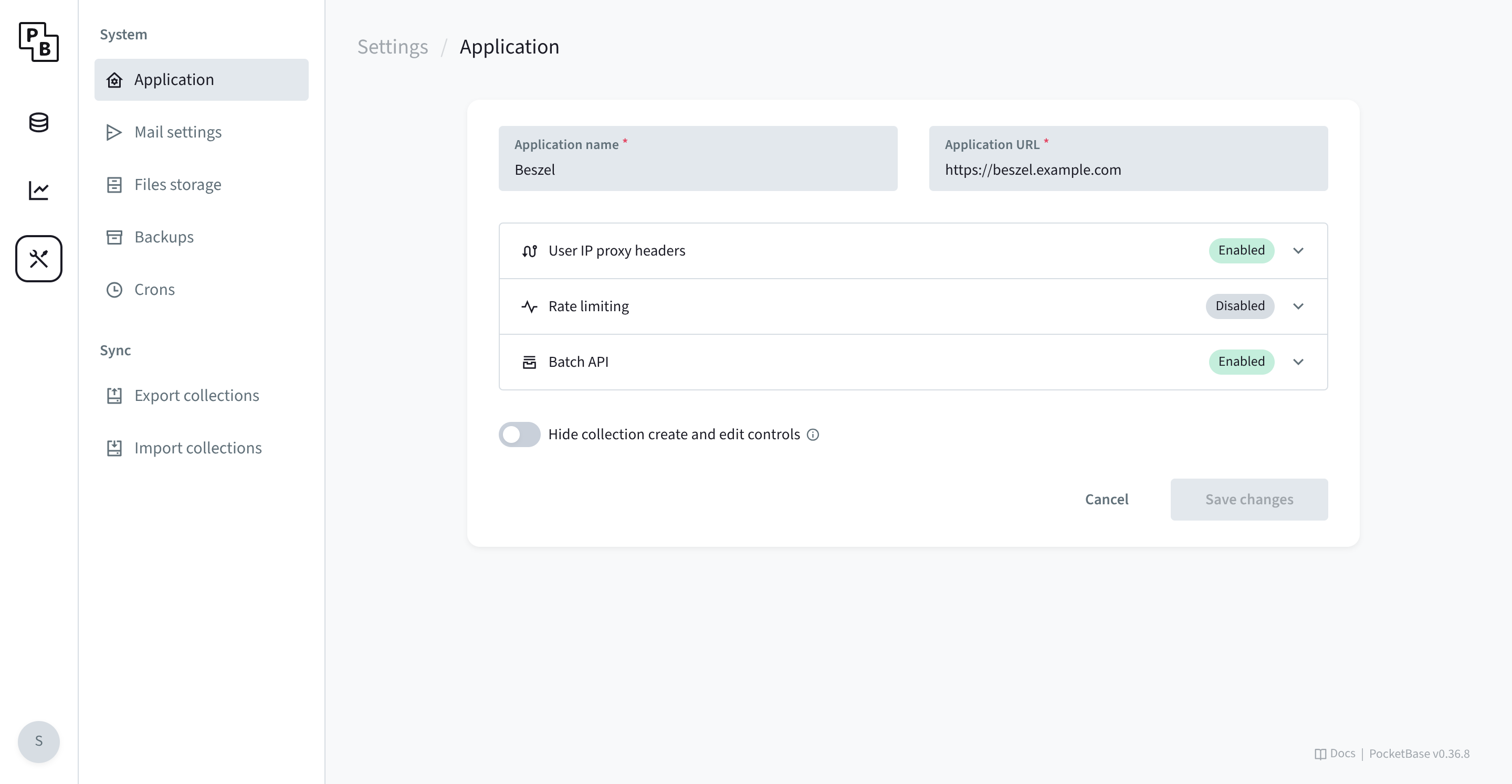
Section titled “Beszel Configuration”Next, we need to add the OAuth provider to Beszel. First, toggle the
Hide collection create and edit controls setting under https://your-beszel-instance.com/_/#/settings
(you can log in to PocketBase with your Beszel credentials).
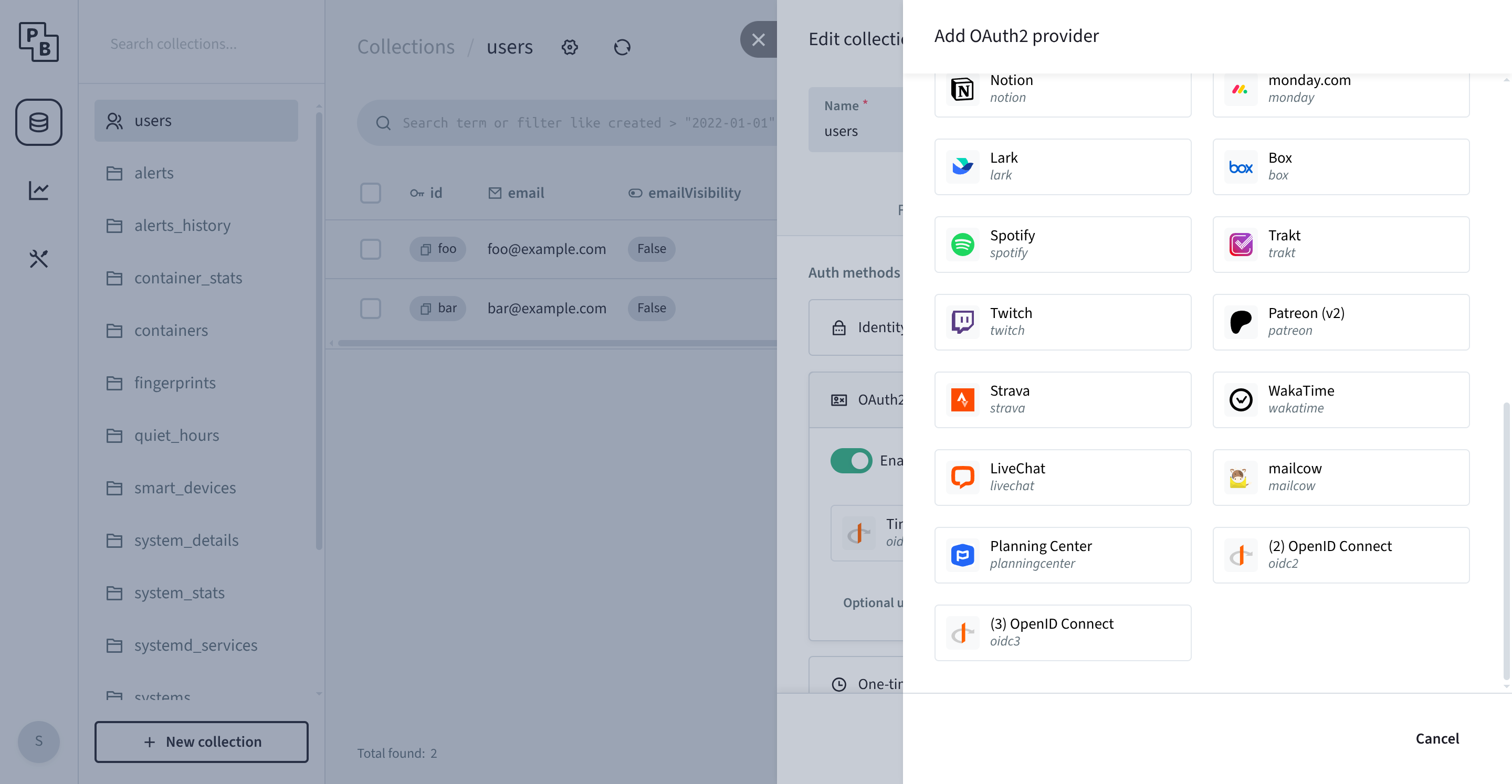
Then, go to the Collections tab and click on the users collection. In the users collection, click the little gear icon, then Options, OAuth2 (make sure it’s enabled) and Add provider. In the provider selection, select OpenID Connect (1, 2, 3 doesn’t matter).
In the new window, fill in the following values.
| Name | Value |
|---|---|
| Client ID | The client ID you generated from the previous step. |
| Client Secret | The client secret you generated from the previous step. |
| Display Name | Use whatever you like, for example, Tinyauth. |
| Auth URL | https://tinyauth.example.com/authorize |
| Token URL | https://tinyauth.example.com/api/oidc/token |
| Fetch user info from | User info URL |
| User info URL | https://tinyauth.example.com/api/oidc/userinfo |
| Support PKCE | Yes, checked. |
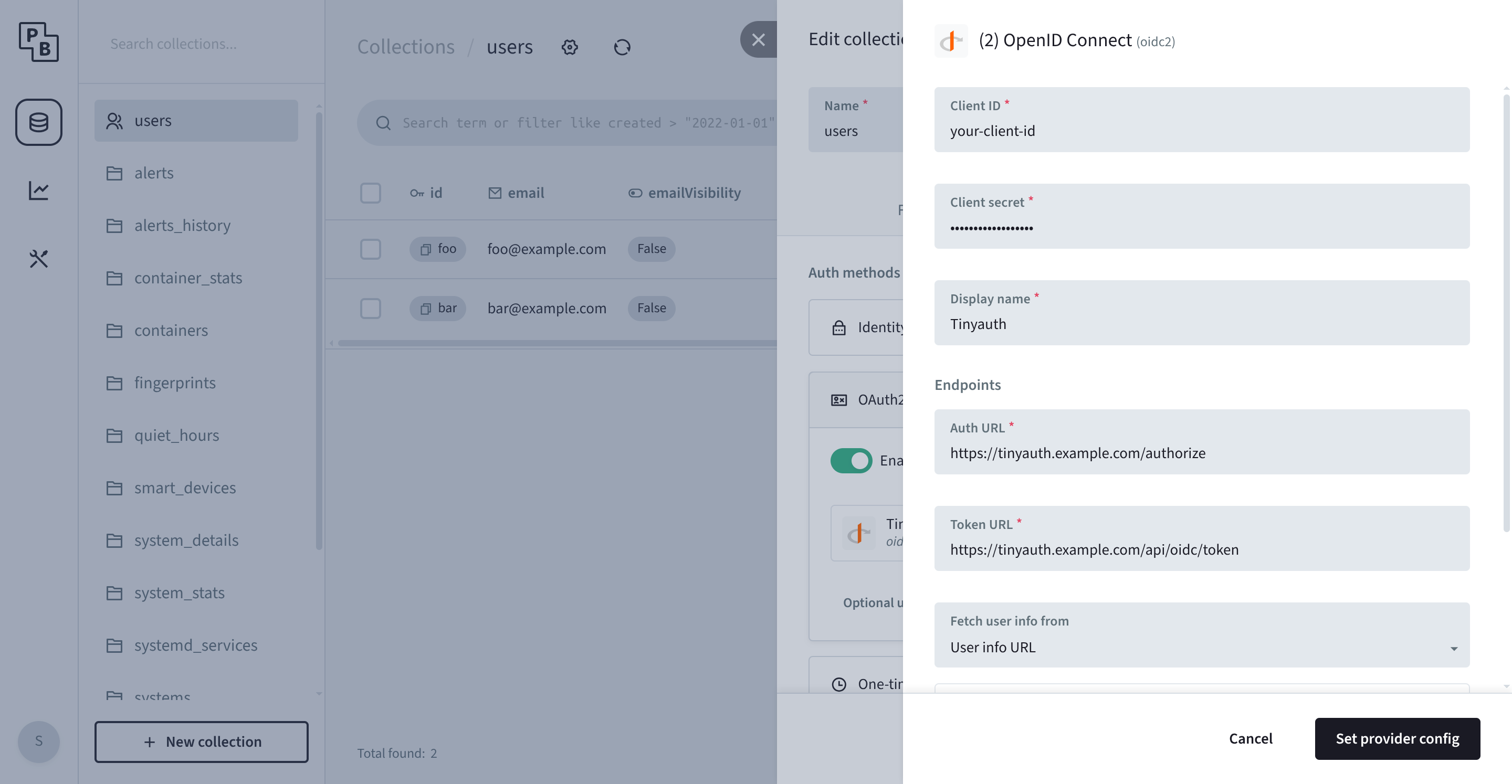
Finally, click Set provider config.
Try it out
Section titled “Try it out”After configuring the PocketBase backend of Beszel, you should see a new Tinyauth option in the login screen.
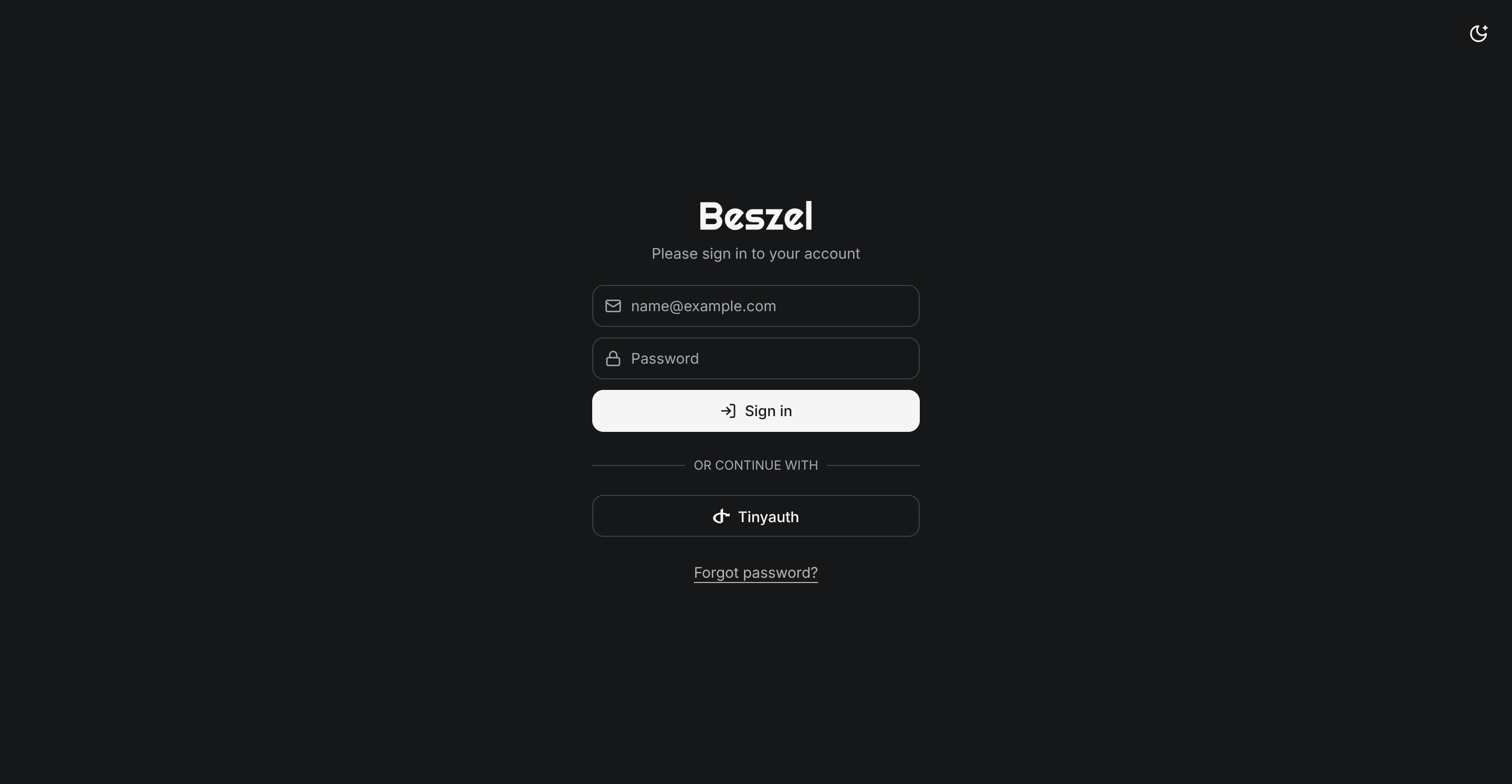
Login and enjoy!